


Microinteractions in App Design

Microinteractions are the delicate yet strong design elements that give apps life, facilitating the creation of wonderful digital experiences.
Microinteractions are the delicate yet strong design elements that give apps life. These little animations, sound effects, and transitions simplify interfaces so they are entertaining, emotionally relevant, and user-friendly. From guiding user behaviors to enhancing brand identification, microinteractions excite users with every tap and swipe, hence generating smooth journeys inside apps.
How Microinteractions Work
Microinteractions actually have four components: triggers, rules, feedback, and loops. Triggers initiate the interaction, say by clicking a button. Rules determine how the system responds; feedback either visually or vocally indicates the success of the activity; loops control repetition or limits. These components work together to improve usability by means of real-time, dynamic feedback that directs users easily across an interface. On social media, for instance, an interactive “like” animation acknowledges user input and builds emotional connection.
Look for the Details
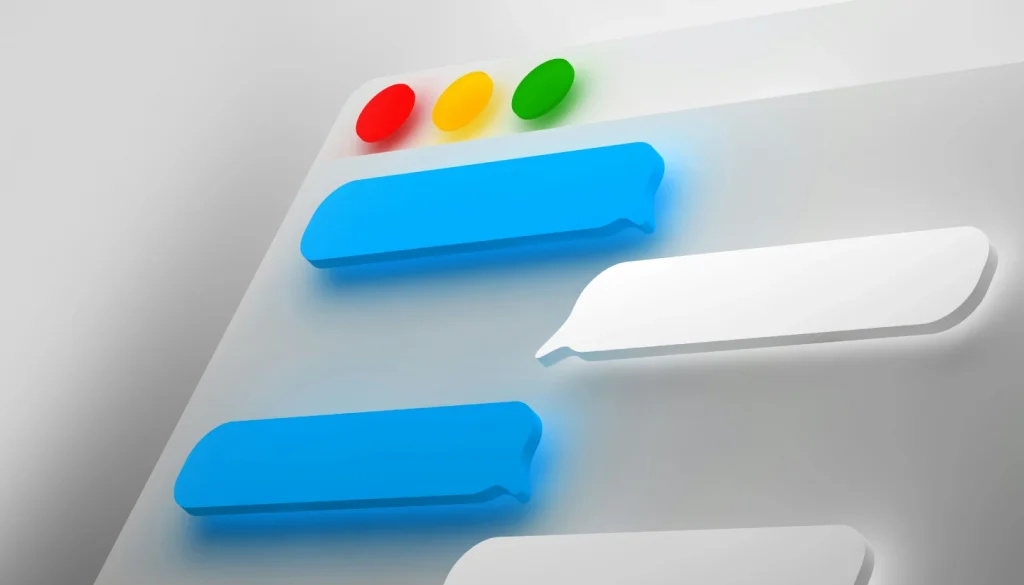
Small details count greatly in app design. Designers seek to strike a balance between appearance and application such that microinteractions seem natural rather than forced. While careful animations, such as page transitions, make navigation feel simple, too complicated or inconsistent interactions could negatively impact the user experience.
Many times, microinteractions are used in fitness applications to keep users engaged. Imagine an exercise tracker with sound effects or confetti animations incorporating milestones. These understated gestures provide a dynamic and satisfying interface and inspire users to keep motivated.
Search App Microinteractions
Microinteractions help search functions significantly. Animated search bars extending or subtle autocomplete recommendations help to streamline and enhance the visually appealing procedure. These touches minimise friction, therefore leading users over the app with ease.
Fitness Goal Microinteraction
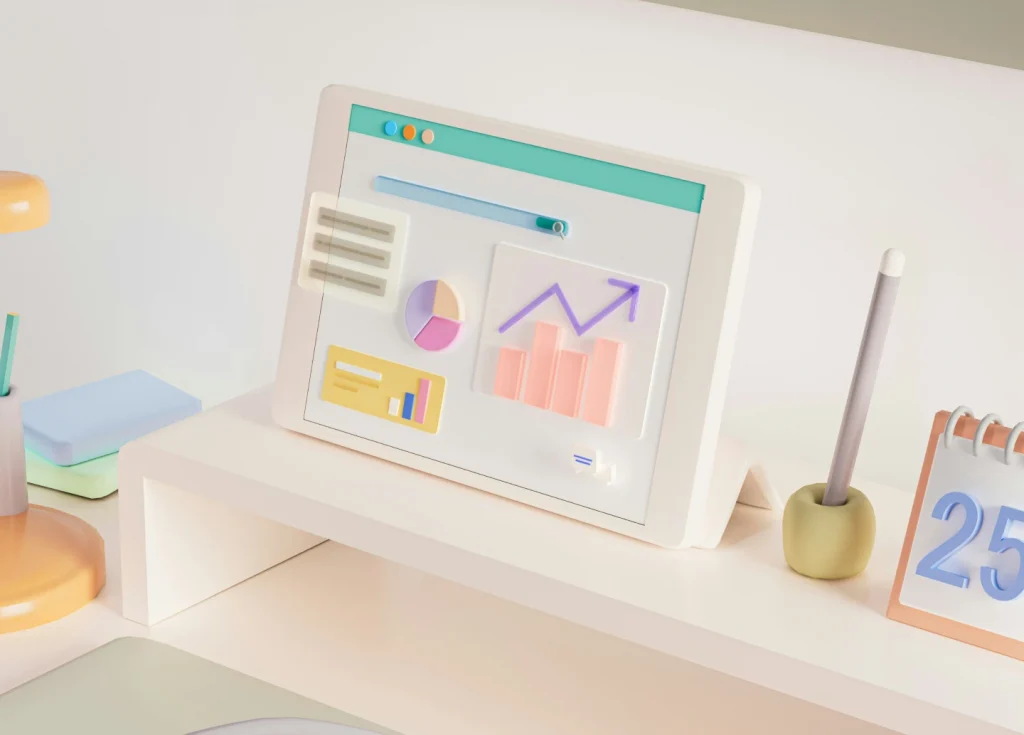
To show goal achievement, fitness applications also have visual markers as gradient animations or circular progress bars. This real-time input turns routine tracking chores into interactive experiences that boost satisfaction among users.
Pull-to- Refresh Animation
The common pull-to-refresh gesture exemplifies microinteractions done right. When something new loads, this interaction feels natural and offers quick feedback by copying bodily gestures like pushing down to reload. Its simplicity and utility make it a pillar in many applications.
Microinteraction on Tab
In an app, switching between tabs usually consists in subtle animations that guide the user’s attention and provide bouncing symbols or sliding effects, therefore enhancing the usability of the navigation. These little tweaks improve usefulness without overwhelming the design.
Preloading Animation
Prime sources of creative microinteractions are loading screens. Apps can include animations reflecting brand identity or entertain users during wait times, including playful images or progress indicators, instead of still spinners. These animations support the app’s character and keep users interested.

Why Microinteractions Matter
Microinteractions create trust and a range of feelings beyond just usability. They humanize technology so that cool interfaces could be friendly companions. When executed with consistency and attention to user needs, microinteractions elevate apps from functional tools to delightful experiences that users remember and recommend.
Conclusion
Though little, microinteractions have a great influence. Developers can build delightful rather than merely utilitarian experiences by deftly combining these design components into apps. From interactive exercise screens to careful preloading animations, microinteractions make every touch significant and guarantee that your software stands out in a competitive digital landscape.
Including these elements into your app development improves user retention, satisfaction, and overall performance. Look to tools like Figma and Adobe XD, which simplify microinteraction design and prototyping, therefore facilitating the creation of wonderful digital experiences.