


The Difference Between UX and UI Design: A Complete Guide
Discover the key difference between UX and UI design, their roles in digital success, and why both are essential for a seamless user experience.
The terms user experience (UX) and user interface (UI) are occasionally used synonymously in an environment shaped on digital experiences. Still, they play different and important roles in the process of determining how consumers interact with websites and applications.
Whether you’re a startup founder, a product manager, or working with a Website Design & Development Company, understanding the difference between UX and UI can make or break your digital product’s success.
Let’s dive into this complete, no-fluff guide—crafted with just enough intricacy and rhythm to keep you intrigued.
What is UX Design?
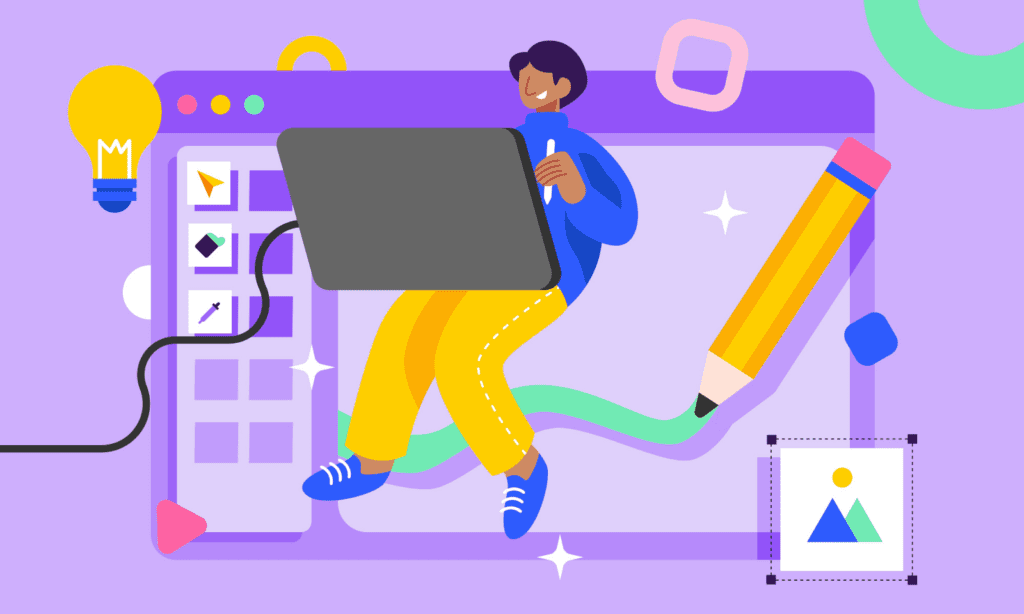
User Experience Design, or UX, is entirely about the feel of a thing.
Making your website or app appealing, useful, and interesting is the art—and science—of this process. From the time a user lands on your homepage until the second they finish a purchase or fill out a form, UX designers concentrate on every step of the way. Every touchpoint matters.
Think: structure, logic, flow, usability.
It’s not about colors or fonts. It’s about ensuring your users don’t have to think. When UX is done right, users glide through your digital space. When it’s done wrong? They bounce.
Important elements in user experience design:
- Information Architecture
- User identities and journeys
- Prototyping and Wireframes
- Usability tests
- Factors of accessibility
UX is driven strategically and rather human-centric. It’s about creating with empathy.
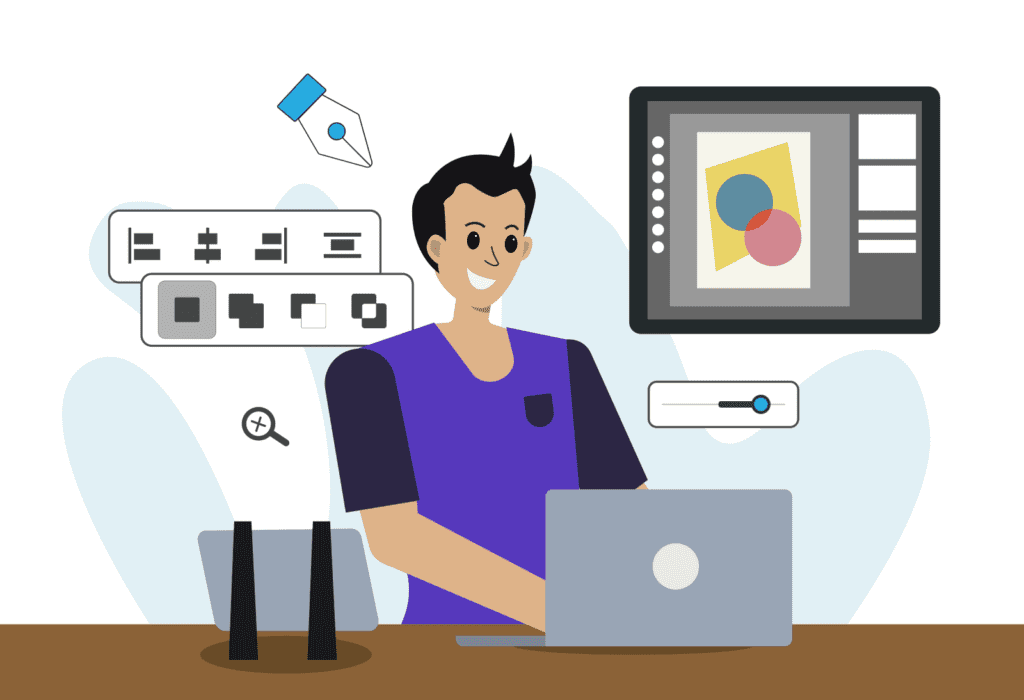
UI Design
User Interface Design, or UI, is entirely about the appearance of a product.
The visual components—the layout, buttons, typeface, color schemes, and animations—of UI designers are the first priority. Here is the intersection of branding with interactivity.
Think of style, looks, and engagement.
UX creates the blueprint; UI brings it to life, therefore rendering it not only aesthetically pleasing but also functionally relevant. A good UI may create brand confidence right away. Bad User Interference can turn potential leads into lost opportunities.
Important elements of UI design:
- Grid systems and layouts
- Design and color theory
- Typography and margins.
- Button design and iconography
- Ideas of responsive design
Fundamentally, UI design responds to the question: Does this feel and look like the brand?

How UX and UI Work Together
UX and UI are like two sides of one coin. Though they have different purposes, they have to cooperate. Consider designing a luxury vehicle. UX decides how smoothly the car operates; it is the engine and framework.
UI is the sleek body, the dashboard, the leather seats—everything the driver touches and sees.
A flawless user interface can’t save a poor user experience. And a well-planned user experience won’t matter if the interface is clunky or outdated.
Brands that work with a top-tier User Interface Design Services agency or a full-spectrum Website Design & Development Company are those that understand the synergy between UX and UI.
Why This Matters for SEO and Business Growth
Here’s the twist: UX and UI don’t just influence design. They play a critical role in SEO and user retention.
Google now considers Core Web Vitals—like load speed, responsiveness, and interactivity—in ranking pages. Poor UX? Expect high bounce rates. Clumsy UI? Say goodbye to conversions.
This is where a well-rounded SEO Company can make a huge impact. Through seamless design and smart optimization—including both seo on page and off page services—your website becomes both discoverable and usable.
And let’s not forget Technical SEO Services. Behind every beautiful UI lies a clean, optimized code structure that ensures Google bots crawl, index, and rank your content effectively.

Real-World Example: The Checkout Flow
Let’s get practical. Consider a user ready to purchase a product.
- UX Challenge: Is the checkout flow too long? Are there unnecessary fields causing friction?
- UI Challenge: Are the buttons easily tappable on mobile? Is the “Buy Now” CTA clear and visually prioritized?
One affects completion rate. The other affects user confidence. Together, they determine revenue.
Choosing the Right Partner
Whether you’re building a platform from scratch or refreshing your digital identity, partnering with an agency that understands both sides of this design coin is key.
Look for a Website Design & Development Company that not only builds stunning interfaces but also integrates Local SEO Services, UX audits, and mobile-first design.
Firefly, for example, blends technical expertise with creative flair—ensuring that every pixel serves a purpose and every user journey drives results. From design to deployment, from SEO strategy to seamless UI, they bring everything under one roof.
Final Thoughts
UX is how it works. UI is how it looks.
Neglect one, and your entire digital presence suffers. Embrace both, and your brand not only stands out—it thrives. In today’s experience-driven world, investing in UX/UI is no longer optional. It’s fundamental.
Whether you’re refining a landing page or overhauling your brand’s digital experience, align with experts in UX, UI, and SEO—because design without strategy is decoration, and strategy without design is invisible.
FAQ
Indeed, UX may be had without UI and vice versa. UX, or user experience, emphasizes on the whole interaction a user has with a good or service including elements of usability, functionality, and satisfaction. Conversely, UI, or user interface, relates to the interactive and graphic aspects of a good, including layout, buttons, and icons. UX guarantees that a product satisfies user needs and offers a good experience whereas UI improves the visual attractiveness and interactability of a product. Thus, even if integrating both usually results in a more successful product, a well-designed UX can exist without a sophisticated UI.
Product success depends on UX design since it points out on knowing and meeting the needs, behaviors, and pain points of the user. Products that are straightforward, efficient, and pleasurable to use—result from well-executed UX design—may raise user engagement, loyalty, and good word-of-mouth. UX design reduces user irritation and mistakes by concentrating on usability and accessibility, enabling the success of the product on the market.
A UX designer’s key responsibilities include:
User Research: Conducting studies to understand user needs, behaviors, and pain points.
Information Architecture: Organizing and structuring content to ensure users can navigate the product intuitively.
Wireframing and Prototyping: Creating low-fidelity sketches and interactive prototypes to visualize design concepts.
Usability Testing: Evaluating designs through user testing to gather feedback and make iterative improvements.
Collaboration: Working with UI designers, developers, and other stakeholders to align design solutions with business goals and technical constraints.
These responsibilities aim to create products that provide meaningful and relevant experiences to users.
A UI designer focuses on the visual and interactive aspects of a product. Their tasks include:
Visual Design: Crafting the aesthetic elements such as color schemes, typography, and imagery.
Interactive Design: Designing interactive components like buttons, sliders, and forms to ensure a seamless user interaction.
Layout Design: Arranging visual elements on the screen to create a cohesive and user-friendly interface.
Consistency Maintenance: Ensuring uniformity in design elements across the product to provide a cohesive user experience.
Collaboration: Working closely with UX designers to align visual designs with user experience goals and with developers to ensure accurate implementation.
UI designers play a pivotal role in making digital products both visually appealing and easy to navigate.
Yes, UX and UI designers collaborate closely throughout the product development process. UX designers focus on understanding user needs and behaviors to inform the overall structure and functionality of the product. UI designers take these insights to create visually engaging and interactive interfaces. This collaboration ensures that the product is both user-friendly and visually appealing, providing a seamless and satisfying user experience.
Both UX and UI are essential for user satisfaction, each contributing uniquely:
UX: Ensures the product is useful, usable, and meets user needs, addressing the functionality and overall experience.
UI: Enhances the visual appeal and interactivity, making the product engaging and easy to navigate.
Also Read: SEO Trends in Abu Dhabi 2025